
Plants vs Zombies video invitation 01 — Editable online birthday video invitation, instant digital delivery
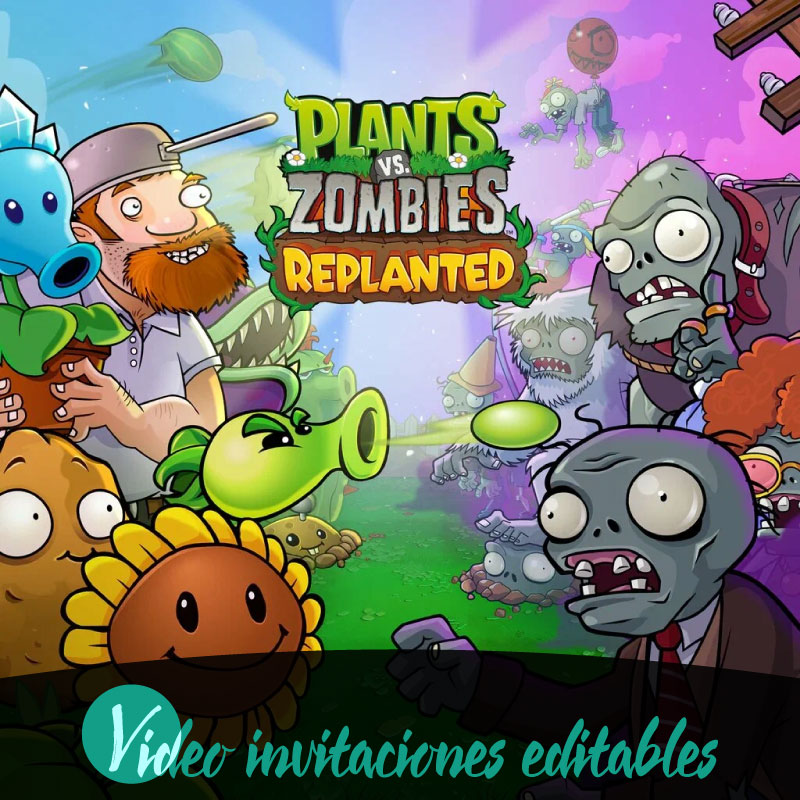
If you're planning a birthday and want a playful, easy-to-send invitation, Plants vs Zombies video invitation 01 offers an editable video invitation families can personalize online and share instantly. The template is designed for quick customization, instant access, and digital delivery so you can get a lively, age-appropriate invite into guests' hands without hassle. It supports English and Spanish, works across desktop, tablet, and mobile, and fits family workflows that prioritize speed, clarity, and convenience. This introduction highlights the practical benefits so you can decide quickly whether an editable, digitally delivered video invitation is the right fit for your celebration needs.
Why this video invitation fits birthday plans
Plants vs Zombies video invitation 01 is built specifically as a video invitation product that families can edit online for birthday events. Its strengths are editable online functionality, instant access, and digital delivery, which remove delays between creation and sharing. Because the product is a video invitation designed for digital use, it aims to capture attention on phones and social feeds where busy family members are most likely to see it. Choosing this product means selecting a format that favors lively visuals and straightforward distribution, enabling hosts to present a clear, engaging invite tailored to the tone of a birthday celebration.
What editable online means and how editing works
Editing happens entirely online through the product's editor, so no separate software installation is required. Families can open the template in a web browser on supported devices and make the available changes provided by the editor. Because the product intelligence specifies editable online and editing type as online, every edit takes place within that platform and is saved there, giving you a single place to preview and finalize the invitation. The editor is designed to be usable on desktop, tablet, and mobile, so parents can start edits on one device and continue on another as needed.
Previewing, reviewing, and the premium unlock step
After editing, you can preview the invitation before completing the purchase. The preview is a watermarked preview that lets you review the final look and content; the watermark behavior applies only to that preview stage. The product follows a review before publish rule so families have a chance to make last-minute adjustments and confirm accuracy. A premium unlock is required to remove the preview watermark or to access any premium-only features, and that step is part of the finalization process. This sequence ensures you can see the invitation in context and verify everything before making the final purchase.
Delivery and sharing: instant access and supported channels
Delivery for Plants vs Zombies video invitation 01 is digital and immediate, giving families instant access once the purchase flow is complete. The designed purchase flow follows the sequence of edit, preview, purchase, and share, which streamlines getting the invitation into guests' hands. Supported distribution channels include WhatsApp, email, and social media, enabling hosts to use the channels they already rely on for family communication. Because the product is delivered digitally, sharing happens right from the device you used to edit or from your chosen distribution app, making last-minute sends straightforward.
Device compatibility and language support
The product intelligence confirms support for desktop, tablet, and mobile, so families can work on the invitation from home computers, on-the-go tablets, or smartphones. That cross-device compatibility is useful when coordinating among caregivers who might prefer different devices. Language support includes English and Spanish, accommodating bilingual households or guests who prefer either language. These technical compatibilities and language options help ensure the invitation can be prepared, reviewed, and shared in the way that fits your family's routine.
Practical tips for families using the invitation
Plan a quick review session with anyone who needs to approve details so you can use the review before publish step effectively. Test the watermarked preview on the device you expect most guests to use to confirm timing and readability. Because the editor is online, keep in mind connectivity when making last-minute changes and choose a stable connection for the final preview and purchase. Use the supported sharing channels to send the invitation where your guests are already active, and remind recipients to check their messages rather than relying on a single platform. These simple habits reduce miscommunication and ensure the birthday invite reaches everyone promptly.
Conclusion
Plants vs Zombies video invitation 01 offers families an editable, digitally delivered way to create and share a birthday invitation quickly. With online editing, a watermarked preview for review, a premium unlock for finalization, and immediate digital sharing across common channels and devices, the product is built to fit busy family schedules while keeping the process straightforward.
FAQ
-
What is Plants vs Zombies video invitation 01?
It is an editable online video invitation delivered digitally with instant access after purchase. A watermarked preview is available before completing the premium unlock.
-
How do I edit the video invitation?
Edit the invitation online using desktop, tablet, or mobile. Use the web editor to make changes, then view the watermarked preview prior to completing the premium unlock and purchase.
-
How will I receive the invitation after purchase?
Delivery is digital; after purchase you receive immediate access to your editable project online so you can finalize edits and share it via supported distribution channels.
-
Can I preview the invitation before buying?
Yes, a watermarked preview is provided so you can review the invitation and any edits before completing the premium unlock and proceeding with purchase.
-
Which devices and sharing options are supported?
The product supports desktop, tablet, and mobile devices. After editing and purchase you can share the finished video invitation via WhatsApp, email, and social media.
-
What is the typical purchase flow for this product?
The standard flow is edit, preview, purchase, and share. The preview is watermarked and full access requires completing the premium unlock and purchase steps.
