
Super Mario Galaxy video invitation 02 — editable online birthday video invitation, instant digital access
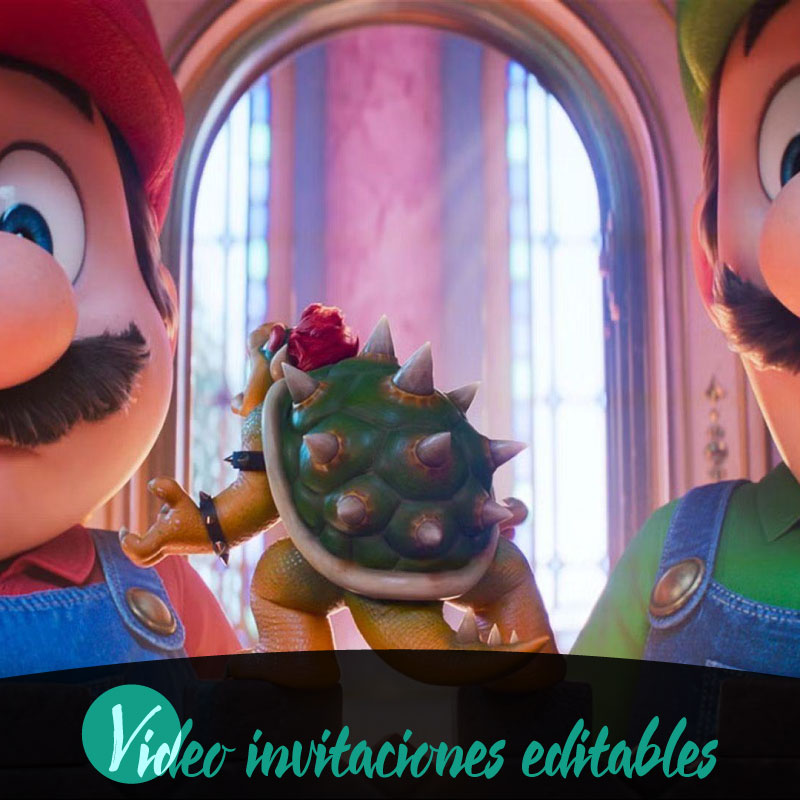
If you're planning a birthday and want a playful, easy-to-send invitation, Super Mario Galaxy video invitation 02 gives you an editable online video invitation that sets the tone and simplifies sharing. This digital product delivers instant access so you can start editing on desktop, tablet, or mobile, and it supports English and Spanish to fit a wider group of guests. Built for families who value convenience and personality, the invitation lets you craft a distinctive video experience without specialized software. You can edit, preview, and publish quickly while keeping control of the final content through a review-before-publish step, then share across WhatsApp, email, or social media to reach friends and relatives fast.
Why choose a digital video invitation for a birthday
Digital video invitations combine movement, voice, and music to communicate a celebration’s mood more clearly than static messages. For a birthday, especially one aimed at children or a family crowd, a short animated video can convey excitement, timing, and dress code with a single engaging message that feels personal. Because the delivery is digital, recipients can view the invitation on the device they use most and respond immediately. The format also reduces friction: guests receive a polished, shareable moment rather than a plain text note, helping boost RSVP rates and making the host’s planning easier.
What Super Mario Galaxy video invitation 02 includes
Super Mario Galaxy video invitation 02 is an editable video invitation delivered digitally and designed for quick personalization online. The product provides instant access after you begin, and you can work on it from desktop, tablet, or mobile. Prebuilt thematic assets and scene pacing are arranged to suit a birthday atmosphere; the core offering focuses on ease of editing and a coherent visual identity. A watermarked preview allows you to check the final look before publishing, and business rules require a review before publish to ensure everything appears correctly. Some additional premium elements may require a premium unlock to use.
How to customize the invitation online
Customization happens entirely through an online editor so you do not need extra software. The editor guides you through replacing names, adjusting dates and times, and swapping basic visuals that match a birthday theme. Controls are simplified for family use: text fields, basic timing adjustments, and language options in English and Spanish let you tailor the message without technical skills. Changes save to your project so you can preview iterations on any supported device. The editable online workflow is designed for quick edits, letting you refine the video until it reflects the tone you want for your celebration.
Previewing, review, and publication workflow
Before a final purchase and distribution, the platform supports a clear flow of edit, preview, purchase, and share. Previews are watermarked so you can confirm timing, wording, and overall appearance while protecting the master content. The product’s rules call for a review-before-publish step that encourages checking details like guest names, date and time, and any special instructions. Once you complete that review and finalize any required premium unlocks, the system provides the finished digital invitation ready for sharing. The watermark behavior is limited to previews only, so the shared version is clean once published.
Sharing options and device compatibility
Sharing the finished birthday invitation is digital and immediate, with distribution designed for families who communicate across familiar channels. The invitation supports sending through WhatsApp, email, and social media, making it simple to reach grandparents, cousins, and friends wherever they prefer to receive messages. Because the product supports desktop, tablet, and mobile editing and viewing, you can prepare the video at home on a laptop or quickly tweak it on a phone while out. Those built-in options reduce the need to transfer files between devices and speed up the process from creation to guest delivery.
Practical tips for a memorable birthday invitation video
Start by writing a short, friendly opening that names the guest of honor and highlights the moment you want guests to remember. Keep the core message concise: date, time, location, RSVP method, and any special notes. Use the editor to test different language options—English and Spanish are supported—to ensure clarity for all invitees. Preview the video on the device most guests will use to verify legibility and audio balance. If you plan to include a special instruction such as costume themes or directions, place it near the end for visibility. Finally, run the required review before publish to catch typos and confirm details so the invitation reflects the celebration you intend.
Conclusion
A digital, editable invitation like Super Mario Galaxy video invitation 02 streamlines birthday planning by combining instant access, simple online editing, a watermarked preview stage, and multiple sharing channels. Its focus on family-friendly usability and a review-before-publish step helps ensure the final invitation looks and reads the way you want before you distribute it to guests.
FAQ
-
What is Super Mario Galaxy video invitation 02?
This product is a digital, editable video invitation titled Super Mario Galaxy video invitation 02, designed for online editing and instant digital delivery after purchase.
-
How do I edit the invitation?
You edit the invitation online using the platform editor on desktop, tablet, or mobile. Editing is done before purchase and supports live preview with a watermark.
-
Can I preview my changes before buying?
Yes, you can preview your edited invitation with a watermarked preview to check content and layout before completing the purchase.
-
What devices are supported for editing and sharing?
The editor supports desktop, tablet, and mobile devices, and finished invitations can be shared via WhatsApp, email, or social media after purchase.
-
Is any premium requirement needed to use the invitation?
A premium unlock is required to remove the preview watermark and complete the purchase; editing and previewing remain available beforehand.
-
How is the invitation delivered after purchase?
Delivery is digital and instant after purchase, following the platform purchase flow of edit, preview, purchase, and then share through supported channels.
