
Zootopia video invitation 01 — Editable Online Birthday Video Invitation, Instant Digital Access
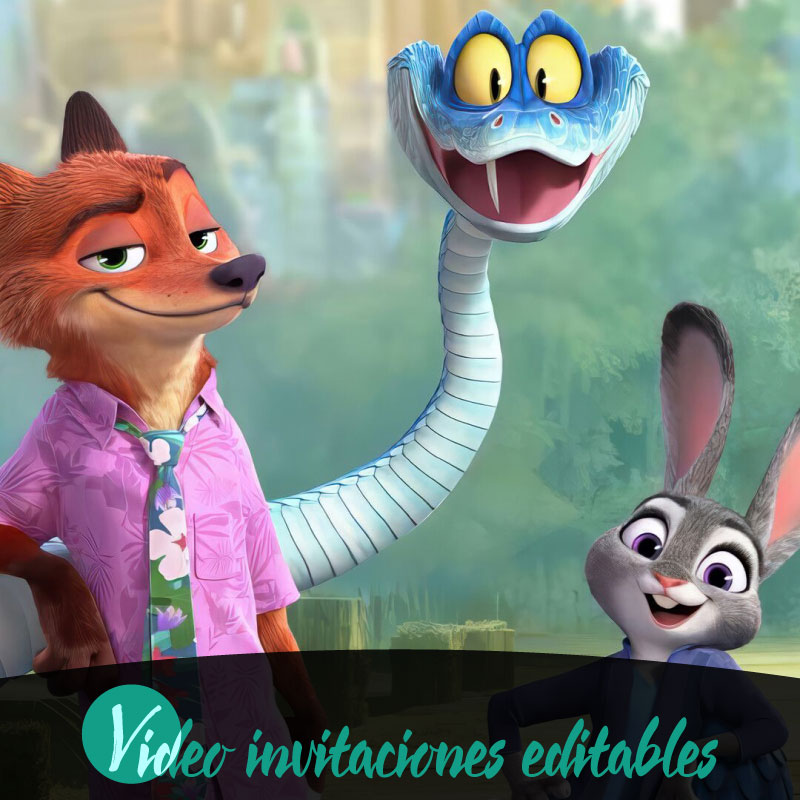
Zootopia video invitation 01 is an editable video invitation designed to help families create a lively, shareable birthday announcement quickly and digitally. If you need a fast, modern way to invite relatives and friends without juggling schedules or paper supplies, this product delivers instant access to an online editor so you can personalize a video and distribute it to guests. The tool emphasizes ease of use on desktop, tablet, and mobile, supports English and Spanish, and keeps the preview experience protected by a watermark until you complete the purchase. This introduction explains practical benefits families will notice when planning a birthday celebration.
Why families choose a digital video invitation for birthdays
Families often juggle many calendars, childcare needs, and travel plans when organizing a birthday. A digital video invitation solves several of those logistical headaches by consolidating date, tone, and essential details into one engaging message that’s easy to share. For parents coordinating with relatives or a child’s classmates, a video can convey atmosphere and expectations more clearly than a text message or a static image. Because Zootopia video invitation 01 delivers digitally, families can reach guests across devices and platforms quickly, which reduces follow-up messages and helps busy households coordinate RSVPs and preparations more efficiently.
What Zootopia video invitation 01 includes and how it fits a birthday
Zootopia video invitation 01 is a video invitation product built for digital personalization and family use. It is editable online and provides instant access to the project when you begin. The product supports multiple devices, including desktop, tablet, and mobile, and is available in English and Spanish to accommodate bilingual households. Its digital delivery model means you complete edits in a browser, preview the result with a watermark, and then proceed through a standard purchase flow that removes the watermark and finalizes access. The template is suited to birthday events and designed to be family friendly in tone and visuals.
Editing and preview: the online workflow explained
The editing environment for Zootopia video invitation 01 is browser based, so no software download is required. Families can open the invitation on any supported device and make adjustments to the video content directly in the online editor. The product’s preview option uses a watermarked preview to give you a full look at the final video before purchase; the watermark is present only during preview and is removed after completing the purchase. As part of the process you are encouraged to review your edits carefully before publishing, aligning with the product’s review-before-publish practice to ensure the finished invitation meets your expectations.
Sharing options and device compatibility for family distribution
Once finalized, Zootopia video invitation 01 is designed for digital distribution across common family communication channels. The product supports sharing through messaging apps, email, and social media so you can reach grandparents, cousins, and close friends on the platforms they use most. Because the invitation is built for desktop, tablet, and mobile devices, recipients can view the video on whatever device is most convenient for them. This compatibility reduces friction when sending invites and makes it easier for family members to save or forward the invitation to others who should be included in the celebration.
Practical tips for getting the most from your birthday video invitation
Start by deciding the tone you want the invitation to convey—playful, casual, or formal—so edits remain consistent across visuals and wording. Use the online editor to personalize the video’s visuals and wording so it reflects your family’s style; take time to preview the watermarked version to check pacing and clarity. Consider the best distribution channels for your guest list: a group messaging app may be ideal for close family while email or social posts work well for extended circles. Schedule the send time so busy relatives receive the invitation at a convenient hour, and make a short note in your message about how guests should reply or RSVP to keep responses organized.
Purchase flow, access, and premium features explained
The purchase flow for Zootopia video invitation 01 follows a simple sequence: edit, preview, purchase, and share. After you complete edits, the watermarked preview shows exactly how the invitation will appear; finishing the purchase removes the watermark and grants final access to the completed file. The product supports instant digital access so families can finalize and distribute invitations with minimal delay. Some content or upgrades may require a premium unlock; if that applies, the editor will indicate premium elements and the unlock step occurs within the same online workflow. Throughout, the platform encourages a final review before publishing so you can confirm everything is correct for your birthday celebration.
Conclusion
Zootopia video invitation 01 provides families a practical, device-friendly way to create and share birthday invitations online. Its editable, browser-based workflow, watermarked preview, and instant digital access streamline preparation and distribution, while support for common sharing channels helps you connect with relatives and friends quickly. The product’s review step and premium options give families control over the final result before they share the finished invitation.
FAQ
-
What is Zootopia video invitation 01?
Zootopia video invitation 01 is an editable online video invitation delivered digitally for birthday celebrations, designed for instant access and online customization.
-
How do I edit the video invitation?
You edit the video invitation online via the product editor. The flow supports edit, preview, purchase and share, all through the platform before finalizing.
-
Can I preview the invitation before purchasing?
Yes, the product offers a watermarked preview so you can review the edited invitation before completing the purchase decision.
-
Is delivery instant after purchase?
Delivery is digital and provides immediate access to the edited video invitation after purchase, enabling quick sharing once unlocked and purchased.
-
Which devices are supported for editing and sharing?
The editor and sharing options support desktop, tablet and mobile devices, and distribution channels include WhatsApp, email and social media.
-
Are there any requirements to unlock full features?
The product uses a premium unlock model, meaning some features or the final watermark removal require purchasing the premium access to complete the invitation.
